Your computer, by voice.

AbleSpeak lets people who can’t easily use a keyboard, mouse or screen use a computer by speaking.

  • Built in Nairobi, Kenya
  • Web navigation live
  • Computer control beta

Why AbleSpeak matters

So much now happens ona computer. Many people can’t usethe keyboard, mouse or screen.
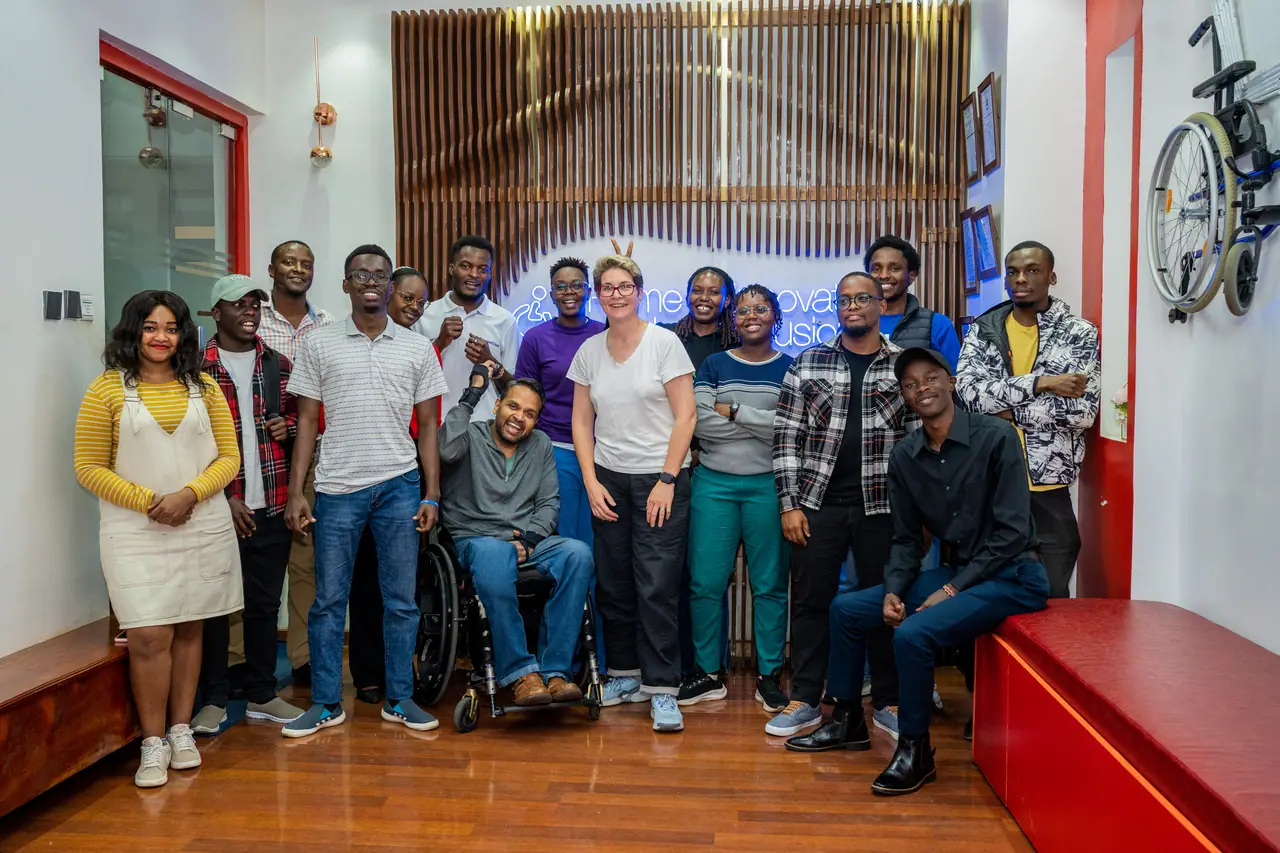
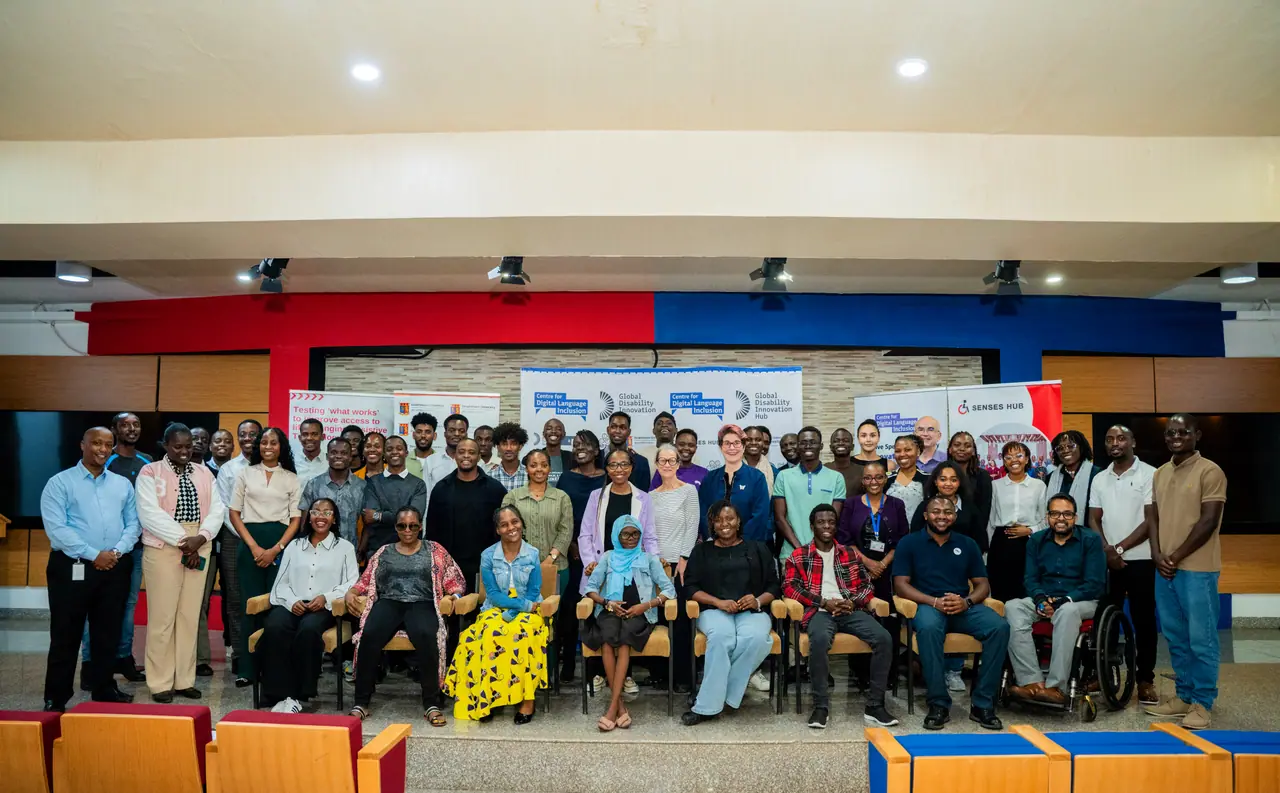
The AbleSpeak team with disability innovators at Senses Hub in Nairobi
At Senses Hub, Nairobi
A large group at a speech technology session in Nairobi, including wheelchair users
A speech technology session, Nairobi

Two ways to use it

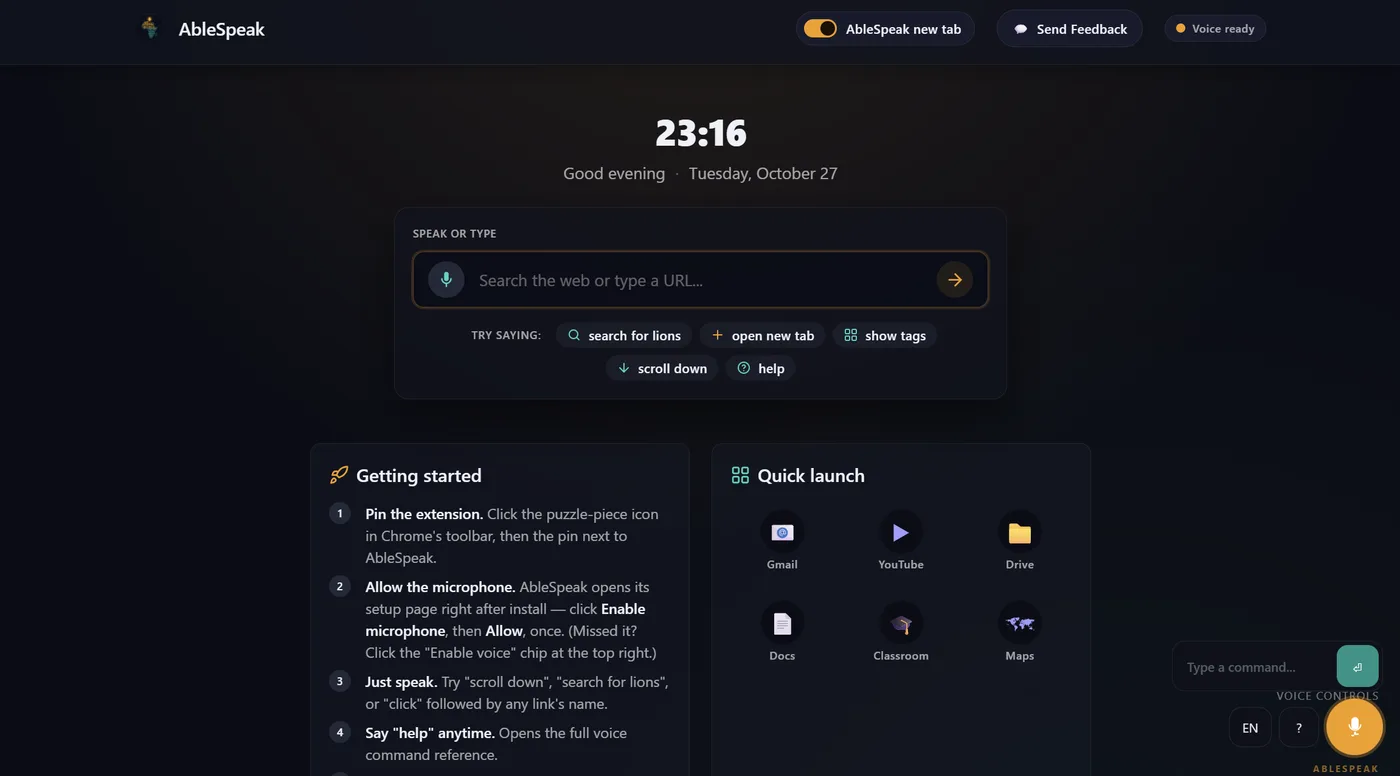
Listening

Say a command

Heard: “open my email”

Done

Try saying “scroll down”

Computer control

Beta · Windows

  • A Windows desktop app
  • Works in everyday apps, such as Word
  • Reads the screen aloud

How to get started

  1. First, a demo.

    We show you AbleSpeak, at your school or online.

  2. Then, try it free.

    Start with Web navigation in Chrome.

  3. Next, a pilot.

    We help set up Computer control on your Windows computers.

Why we built it

AbleSpeak began at the Centre for Digital Language Inclusion training, facilitated by the Global Disability Innovation Hub. We trained speech models on non-standard speech in Kenyan and Ugandan English, then built AbleSpeak to put them to use.


Organisations we have worked with

  • Royal Academy of Engineering
  • Global Disability Innovation Hub
  • Kenya Institute of Special Education
  • Senses Hub
  • CNEAT Academy
  • iLabAfrica, Strathmore University
  • JF Foundation, part of Jackfruit Network

Things people say to AbleSpeak

  • “search for photosynthesis”
  • “read this page”
  • “click subscribe”
  • “show tags”
  • “dictate”
  • “new paragraph”
  • “open Word”
  • “what is on my screen”
  • “undo that”
  • “read the question”
  • “answer B”
  • “stop”

A demo, or a pilot?

A person on our team replies within 24–48 hours.